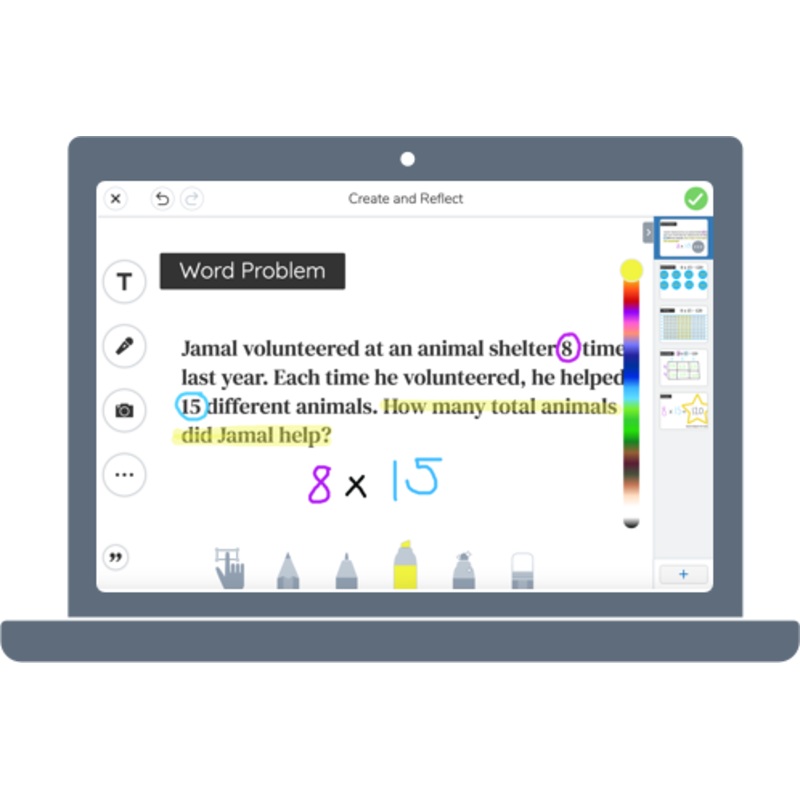
Let students demonstrate their learning at their level!
Seesaw brings together premium instructional tools and curriculum, inclusive two-way communication, deep learning insights & progress monitoring.
Students become creators of learning with tools specifically designed for the elementary learning experience and build upon what teachers are already doing.
Intuitive Multimodal Tools
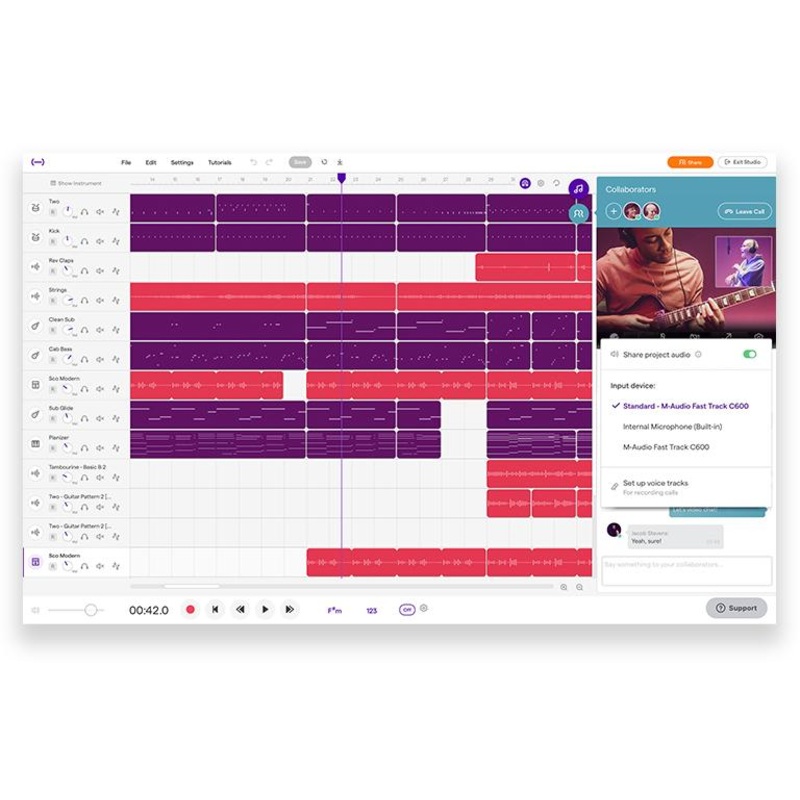
Multimodal learning tools put student voice and choice first.
Seesaw lets students choose how to show what they know students build agency in this process while teachers gain valuable instructional insights.
The Learning Journal
Document online and offline student learning and classwork in one place to showcase proficiency and growth.
Students get an authentic audience to share their work -administrators, teachers, peers, and family members.
Supplemental Curriculum
The Seesaw Library contains ready-to-teach lessons with standard and curriculum alignments.
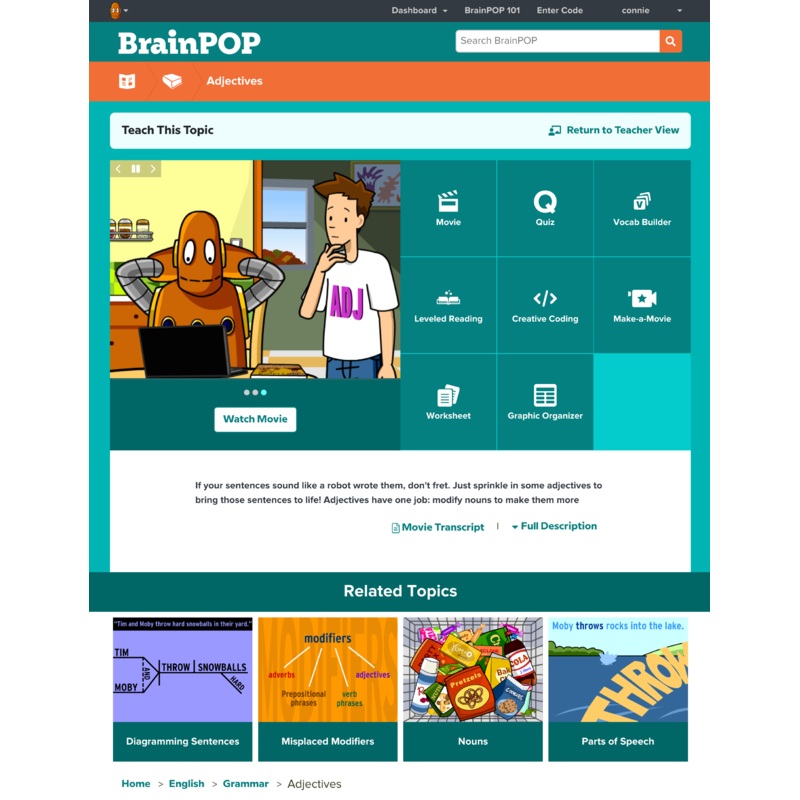
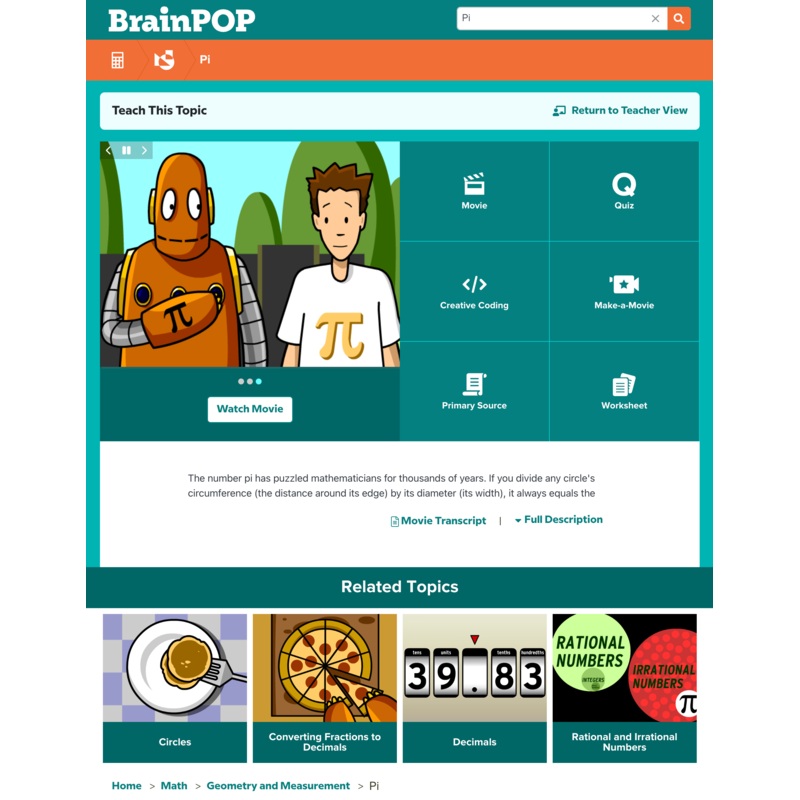
Reinforce your core curriculum with learning experiences that accelerate skills through gradual release and engaging practice.
Progress Monitoring
Formative assessment scores, activity completion and proficiency ratings all show in a single view making it easy to view completion and monitor student progress over time.
Tools to Connect the Learning Loop
We provide a window into the classroom with a real-time view of classwork in the student journal.
Flexible messaging tools provide a convenient area to share progress, resources, updates, and keep everyone in the learning loop.
Auto-Graded Formative Assessments
Combine the time savings of auto-grading with the power of multimodal tools to get deeper insights into student learning to differentiate and guide instruction.
Creating engaging, meaningful learning experience just got earsier!
With our activities templates, educators can quickly design activities for:
- Student Reflection & Creativity Build digital portfolios effortlessly
- Formative & Summative Assessments Track learning progress in real time
- Resource Organization Upload or link materials for easy student access
These ready-to-use templates simplify lesson planning and ensure that students can showcase their learning in a creative, structured, and effective way.
How to create a Seesaw Activity? See step guide
How to create a Seesaw Assessment?
Learn How Schools Use Seesaw
Seesaw keeps everyone in the learning loop with continuous visibility and participation in the student learning experience!Schools and districts use Seesaw for:
- Instruction
- Family Engagement
- Digital Portfolios
- Assessment & Data Driven Decisions
- Accessible & Differentiated Learning
Click to learn more about how schools use Seesaw
Family Engagement
Paid vs Free
See below for the features comparison between Seesaw Instruction & Insights paid plan and the Free Seesaw Starter:
Download the PDF version
| Product | Seesaw AI | Seesaw Instruction & Insights | Seesaw Starter (Free) |
| AI Features | |||
| Generate quiz questions from a topic or prompt | |||
| Convert any resource into a multimodal activity | |||
| Generate multimodal activities from a topic or prompt | |||
| Translate any activity into 100+ languages | |||
| Embed YouTube Videos and enrich with AI generated questions | |||
| Core K-5 Computer Science solution with AI literacy lessons | |||
| Auto-graded Reading Fluency & Comprehension Assessments | |||
| Generate newsletters, reminders and more with the AI Announcement Assistant | |||
| Scaffolded Reading Support – Read-with-Me | |||
| Multimodal Learning Tools | |||
| Photo, Video, Audio & Drawing | |||
| Note, Link & Frames | |||
| Upload PDF up to 10 pages & use Creative Tools | All pages | All pages | 1st page only |
| Multipage activities and post | |||
| My Library activity limits | Unlimited | Unlimited | 35 |
| Present to class for all activities | |||
| Draft and send back work for revision | |||
| Student Groups | |||
| Bulk Instructional Sequences in The Seesaw Library | |||
| Schedule activities and add due dates | |||
| Free Response Assessment | |||
| Flexcard | |||
| Focus Mode | |||
| Assessment Tools | |||
| Student portfolios | |||
| Journal filtering | |||
| Highlights folders | |||
| Private folders | |||
| Year over year connection | |||
| Download journal archives | |||
| Auto-graded formative assessments | |||
| Create formative assessments (multiple choice, true and false, drag & drop) | |||
| Progress monitoring | |||
| Formative assessment reporting | |||
| Classroom-level Progress Dashboard | |||
| Sitewide Standards | |||
| Curriculumn & Alignments | |||
| Community Lesson Library | Full access | Full access | Full access |
| Core Seesaw Library | Full access | Full access | Sample only |
| K-5 Computer Science Lessons | Full access | Sample only | Sample only |
| Curriculum and standards alignment tool | |||
| School or District library | |||
| Collections in School or District Library | |||
| Seesaw Early Literacy (PreK-2) supplemental curriculum package | |||
| Seesaw ELD (K-5) supplemental curriculum package | |||
| Communication Tools | |||
| Multimedia attachments – photos, videos, links and more | |||
| Read receipts | |||
| Reactions | |||
| Translate into 100+ home languages | |||
| Search for users and content | |||
| Teacher office hours | |||
| Schedule message and announcements | |||
| Download personal message threads | |||
| Student Communication | |||
| Teacher-initiated announcements to students | |||
| Teacher-student 1:1 and group messaging | |||
| Teacher-initiated student-student messaging | |||
| Family Communication | |||
| Teacher-initiated announcements to connected family members | |||
| Teacher-initiated 1:1 and group conversations with connected family members | |||
| Teacher-initiated group conversations with connected family members and students | |||
| Schoolwide Communication | |||
| Multi-class messaging | |||
| Partial access | |||
| Schoolwide or districtwide settings |
Reviews
There are no reviews yet.